
Every feature in OpenStudio.
The map of what you get for free on Windows, macOS, and Linux. Each area links to the guide that walks through it, and the full inventory, including what is still partial, is public in the repository.
The complete feature inventory on GitHubArm tracks, monitor inputs, punch in, comp takes, and edit clips on the timeline with markers, regions, ripple, razor, and fades.
Read the guideA docked or detached piano roll, hardware MIDI input, an on-screen keyboard, step input, quantize and transforms, and audio-to-MIDI.
Read the guideChannel strips, sends, buses, a routing matrix, metering, channel EQ, mixer snapshots, and automation lanes with read, write, touch, and latch.
Read the guideNative plugin windows, input / track / master FX chains, presets and A/B, sidechain routing, optional ARA2 hosting, and built-in processors.
Read the guideNote-level editing with a contour and blobs, scale and chromatic snapping, offline correction on the take, and a real-time corrector effect.
Read the guide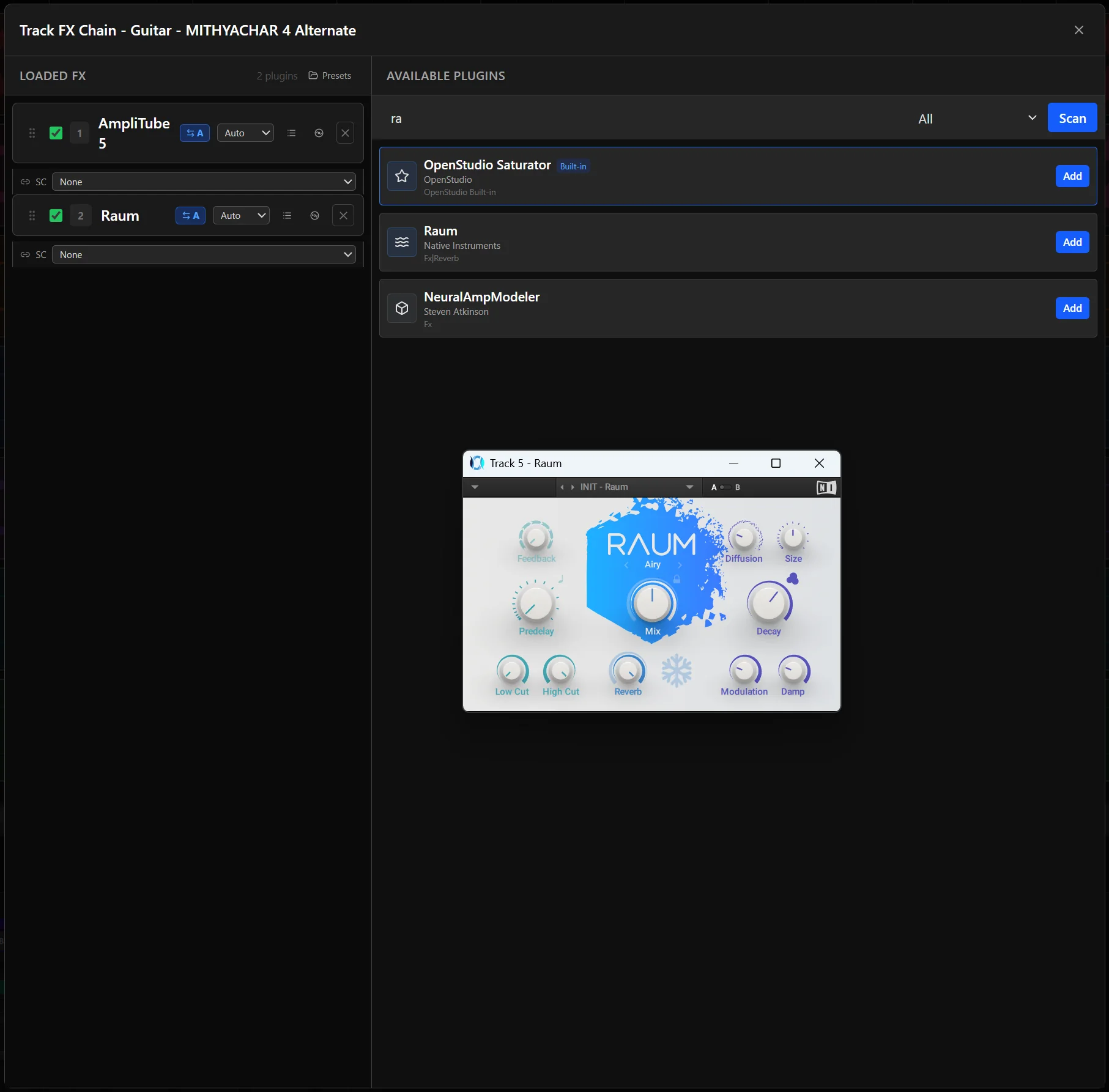
Script the parts of your workflow that repeat from the built-in editor, and extend the built-in processors with JSFX-style script effects.
Read the guideMaster and stem renders, region and razor bounds, WAV, AIFF, FLAC, MP3, and OGG, a render queue, DDP export, and an inspectable project file on disk.
Read the guideAI Tools
Six-stem separation, plus generation, variation, and continuation from a prompt. It runs on your machine after a guided setup, or you simply never install it.
How the AI tools workNAM Rack
A full Neural Amp Modeler rig in the base app: captures, a native pedalboard, cabinet IRs, EQ, effects, a tuner, and presets. There is no add-on and no paid tier.
Explore the NAM Rack